ESP32 Display Board
2.8" touchscreen development board with WiFi, USB-C, and microSD slot. The heart of CYGM.
A pocket-sized, open-source display you build yourself. Live readings from Dexcom Share, LibreLinkUp, or Nightscout — with alarms that actually wake you, real trend charts, and updates over WiFi. No subscriptions, no app in the way, about $40 in parts.
G6, G7, ONE via Dexcom Share
Libre 2, Libre 3 via LibreLinkUp
Any CGM via your Nightscout site
CYGM is a second screen, not your source of truth. It is not a medical device, is not FDA-cleared or clinically validated, and should never be the sole basis for a treatment decision — always confirm the number on your official receiver or app first.
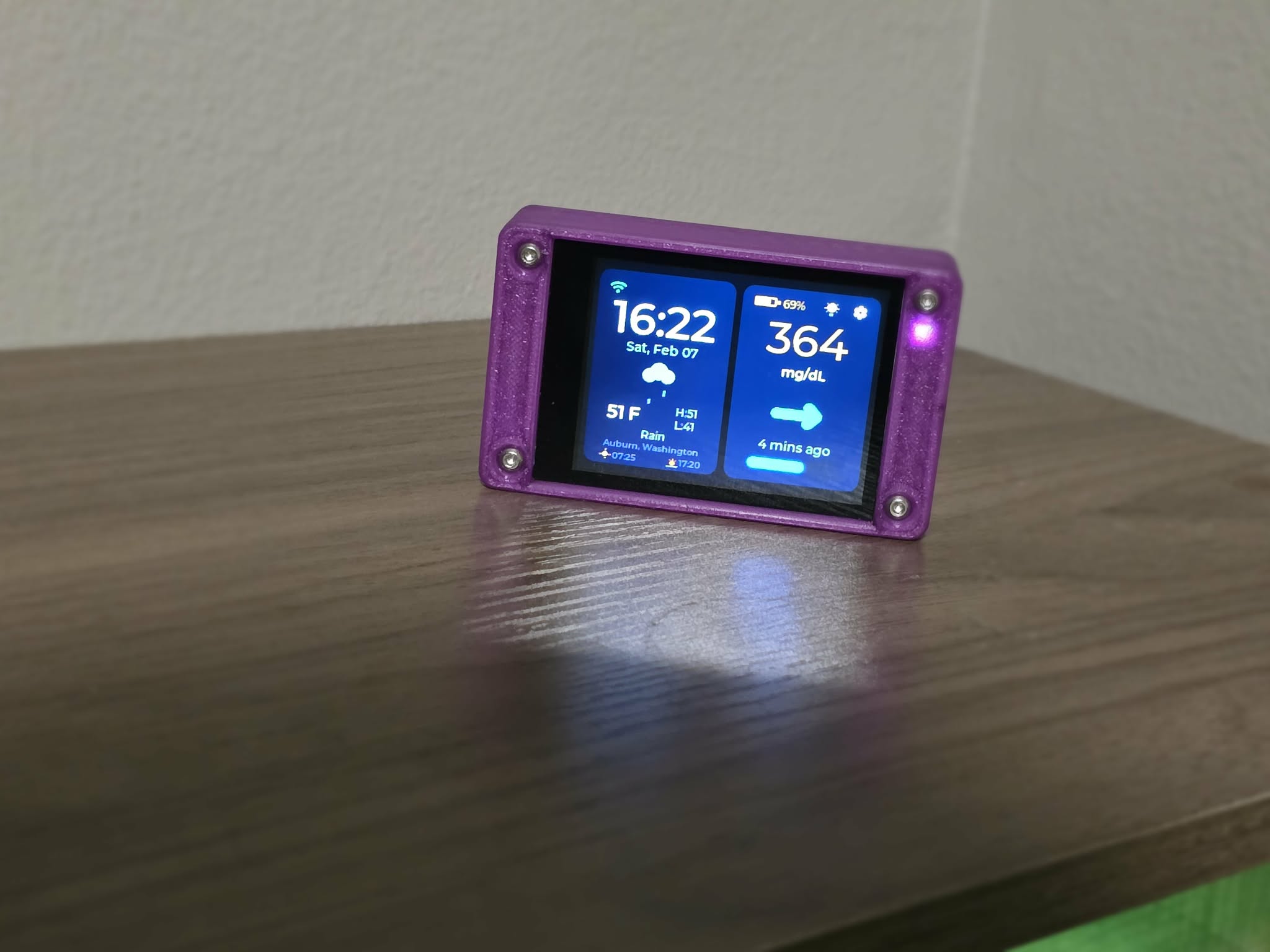
CYGM does one thing exceptionally well — it puts the number where you can already see it, and it makes noise when it matters.
A countdown arc sweeps around the trend arrow so you always know when the next reading is due. Signed delta and time-since sit right beside it, and a stale reading grays itself out instead of quietly pretending to be current.
Redesigned arrows with a soft edge glow that rotate smoothly between directions. On a rapid rise or fall, two arrows slide out side by side and pulse — a visual alert that lands before you've read a single digit.
Four threshold tiers, 28 tones including a Random (Loud) roulette for when you've learned to sleep through the last one, and a full-screen takeover with SNOOZE and DISMISS buttons big enough to hit at 3am.
Alarms are a convenience layer. Keep the alerts on your official CGM app or receiver switched on.
Schedule a window where non-urgent alerts go visual-only. Unacknowledged alarms step louder every few minutes. A predictive warning fires up to ~20 minutes ahead of a projected urgent low, and a data-gap alert speaks up when readings simply stop arriving. The urgent-low floor cannot be switched off.
1, 3, 6, 12, and 24-hour views with Low, Average, High, Time-in-Range, GMI, and CV calculated for you. Prefer the headline? Swipe left on the glucose card for a big-number view.
Dexcom Share, LibreLinkUp, and Nightscout are each fully supported today. Pick yours on-device during setup and switch later without touching a cable.
Scheduled Night Dim drops the brightness on your timetable and hands the whole screen to one huge glucose number, colored by zone — green in range, amber near a warning, red at an alarm. The time shrinks to a small white readout in the top bar, so a sleepy glance can never mistake the clock for a reading. Wakes on a double-tap that never presses anything by accident.
Plugged in, the screen stays on by default — a nightstand device should behave like one. Dim-when-plugged-in is a single toggle away if you'd rather it settle down.
Switch units on-device in a single tap. Every screen, chart axis, and alarm threshold follows along without a reset.
Local conditions, temperature, sunrise and sunset, date and time. It earns its place on the shelf even in the minutes between readings.
After the first flash, new firmware installs over the air — no cable, no computer, and no re-entering your settings.
A hardware watchdog recovers the device if anything wedges, and optional microSD logging keeps a CSV of every reading for when you want the receipts.
Finished builds in real rooms, plus every screen captured straight off a running device.
Swipe for more →
Swipe for more →
Whether it's your nightstand or a nursing station, CYGM fits right in.
Place it on your nightstand. See glucose readings at a glance without reaching for your phone. Night-time alarms wake you when levels are off.
Give school staff visibility into a student's glucose without needing their phone. A simple, dedicated display that anyone can read.
Affordable enough to place at every nursing station. Monitor residents with CGMs from a small, always-on display right at the desk.
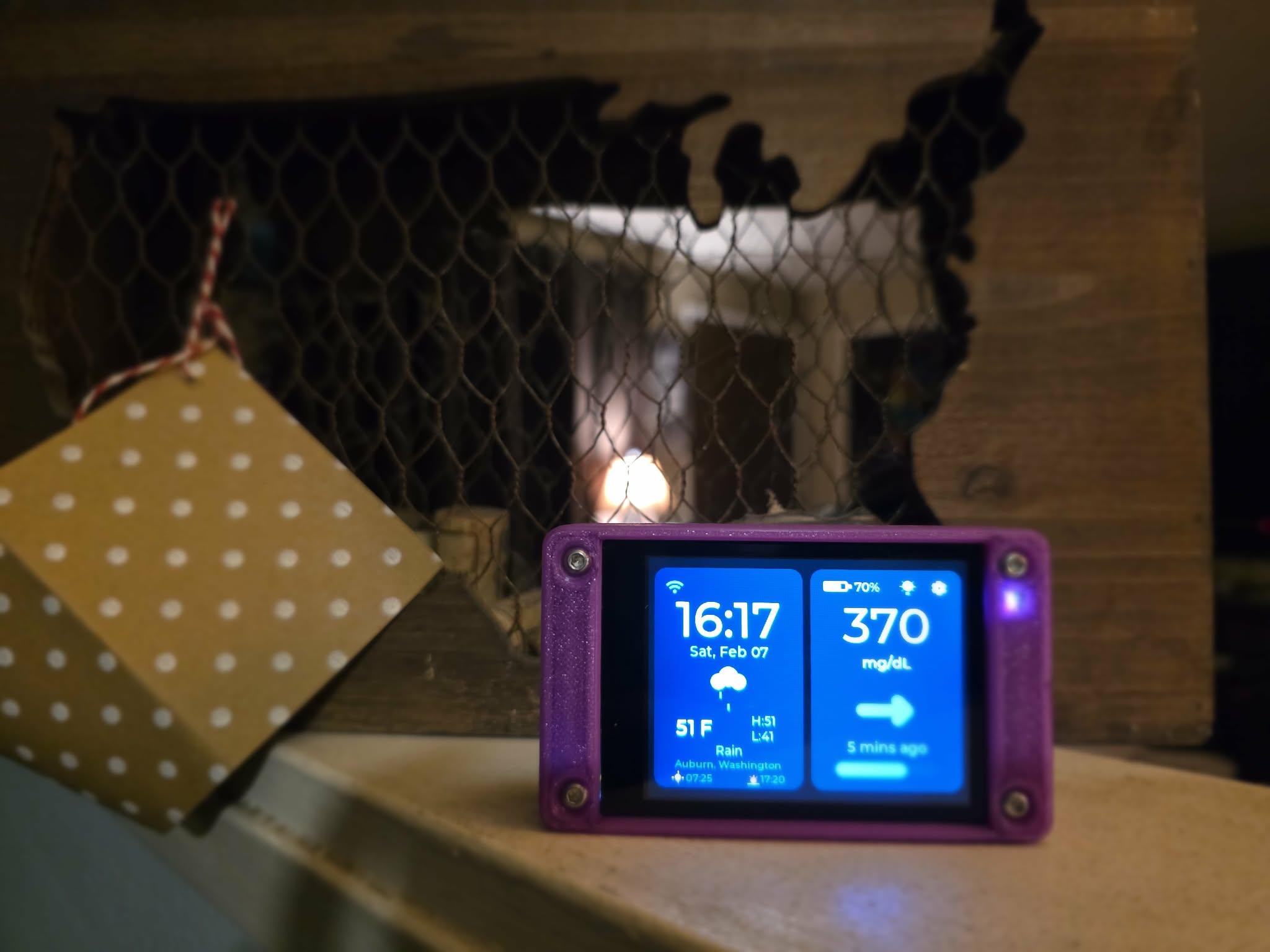
CYGM was born out of a simple need: a dedicated glucose display that doesn't depend on a phone. Something you can place on a nightstand, a desk, or a nursing station — and just glance at.
Commercial options are expensive, proprietary, and often require subscriptions. CYGM is the opposite: open-source, ~$40 in parts, and built by the community that needs it most.
This project is part of the #WeAreNotWaiting movement — a global community of people with diabetes and their families who build their own tools because the market moves too slowly.
Off-the-shelf parts, nothing exotic — and an honest account of what this hardware can and can't do.
The radio is 2.4GHz only — it will not join a 5GHz-only network. Readings arrive through your CGM provider's cloud service rather than straight from the sensor, so the device is only ever as current and as available as that service is. And the sensors themselves publish a new value about every five minutes, which is the real ceiling on freshness no matter how often the device asks.
Everything you need is available off the shelf. Order the parts, set up the firmware, and you're done — no soldering, no coding, no complicated setup.
2.8" touchscreen development board with WiFi, USB-C, and microSD slot. The heart of CYGM.
1W 8Ω full-range speaker with JST-PH 1.25mm connector. Plugs right in for alarm sounds.
Rechargeable LiPo battery for portable use. Our 3D-printed case is designed to fit this exact size.
Flashing firmware requires a desktop or laptop computer. Visit this page on your computer to flash your device.
Flash CYGM firmware directly from your browser. Requires Google Chrome or Edge, a USB data cable (not charge-only), and your device plugged in via USB.
What happens next: the device is erased and rewritten, which clears everything stored on it — WiFi credentials, your CGM login, alarm thresholds, and preferences. The whole thing takes about two minutes, and the device reboots into the setup wizard when it finishes.
CYGM is not a medical device and is not FDA-cleared. Keep using your official receiver or app for treatment decisions.
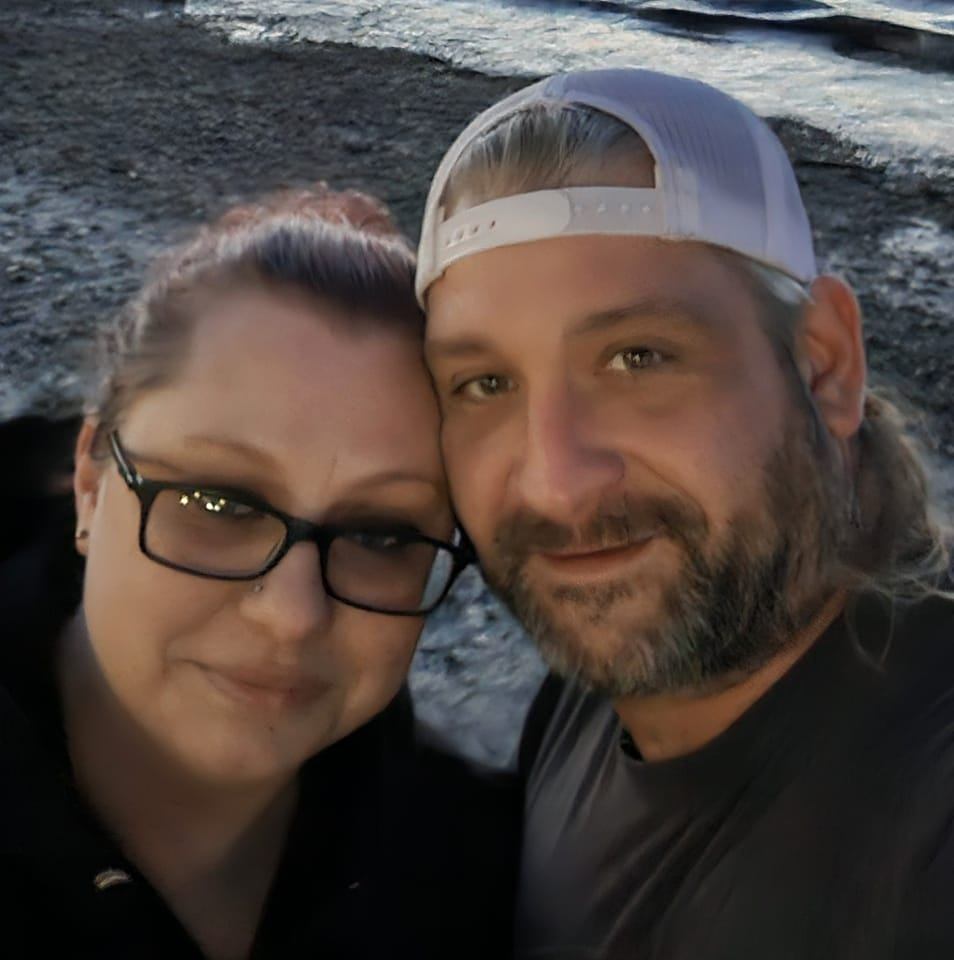
Sound engineer, lighting tech, and stage manager in the live entertainment industry by trade — hobbyist developer by passion. When my step-daughter was diagnosed with Type 1 Diabetes, I knew I had to do something. With the incredible support of my wife Stefanie, CYGM was born: an affordable, open-source tool to make life a little easier for the families who need it most.
Based in Auburn, WA. Driven by a simple belief: if I can help make someone's life easier, I should.
Get a pocket-sized CGM display — assembled and ready to go, or as a kit you build yourself. Open-source firmware, no subscriptions, yours forever.
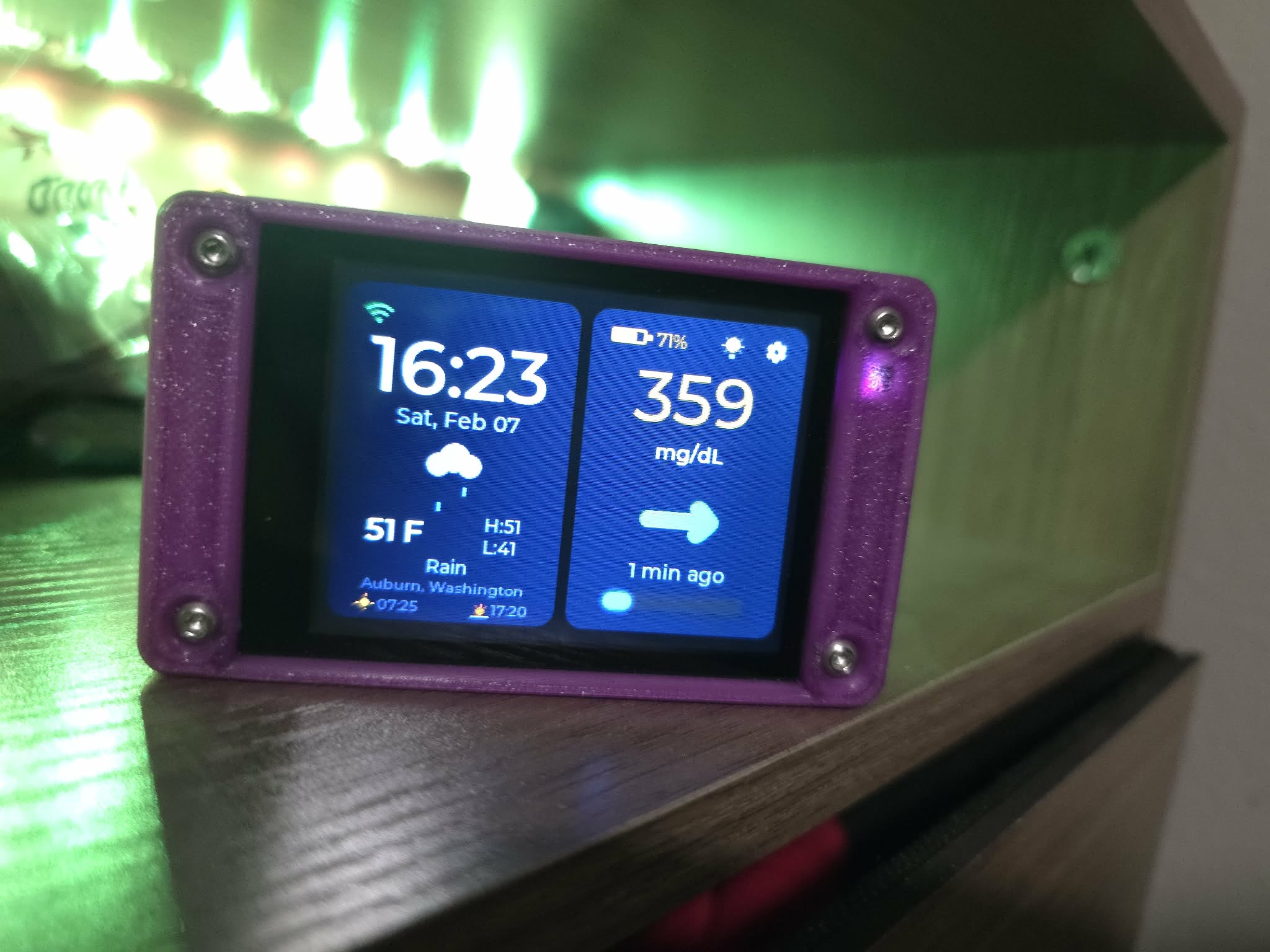
Everything you need in one box. Hand-assembled with care, fully tested, firmware pre-loaded. Just connect to WiFi and enter your CGM credentials.
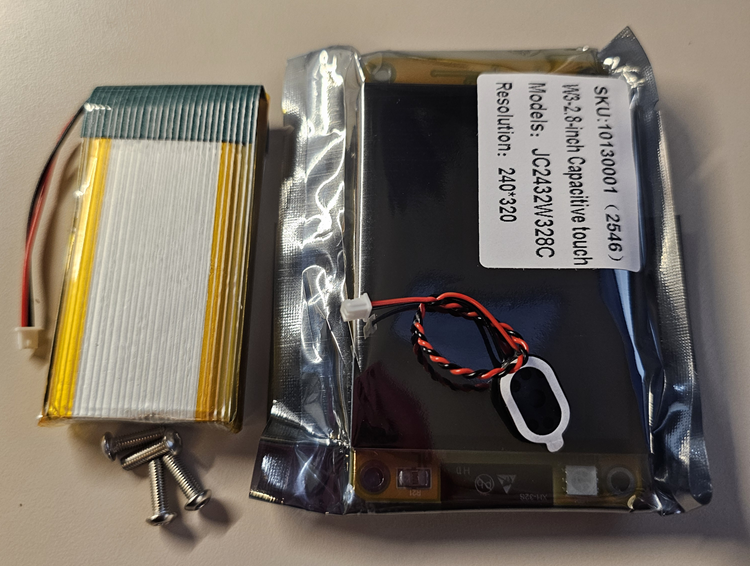
For makers and tinkerers. All electronic components included — just 3D-print a case (STL files provided) and put it together. Flash firmware via the web flasher on this site.
Note: 2mm Allen Key required for assembly (not provided)
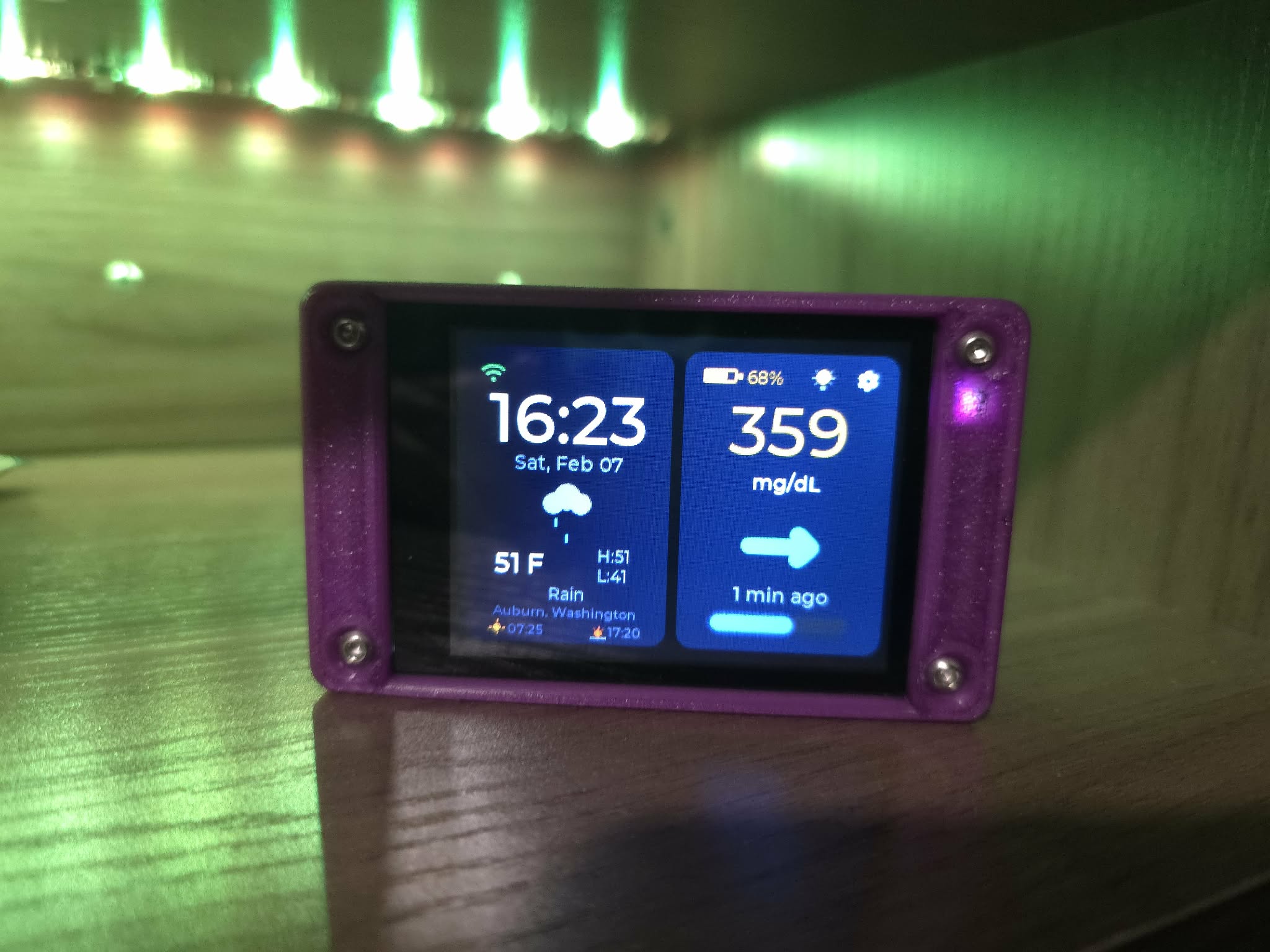
Your support keeps this project alive. No amount is too small — it all goes directly toward building and improving CYGM devices for the diabetes community.
Every CYGM is hand-assembled and tested by our family. Most orders ship within 7 business days, though occasionally we may need a bit longer if we're waiting on components. We'll keep you updated via email with tracking once your device is on its way.
30-day return policy for unopened items. Defective devices replaced at no cost. Contact us at support@cygm.me for any issues.
30-day hardware warranty. Firmware updates are free forever via OTA. Open-source means you can always fix, modify, or improve it yourself.
Setup help via the Device Guide on this site. Community support via GitHub Discussions. Direct email: support@cygm.me.